Introduction
The VIZid Suite splash screen.
VIZid Suite is a product-design, CMF (Colour, Material, Finish) and rendering application built on Blender 5.1. It extends Blender with a CAD-to-mesh pipeline, a render manager, a part-aware material system and live syncing to PTC Creo and Dassault SOLIDWORKS.
VIZid Suite is aimed at the workflow that takes a CAD model from an engineering tool, tessellates it into clean render-ready geometry, dresses it with materials and finishes, lights and frames it, and produces final imagery. Each stage is handled by a dedicated tool, while the full Blender toolset remains available underneath.
Because the Suite is a fork of Blender, it keeps its own user preferences and add-on state and never collides with a separate Blender installation.
The VIZid Tools
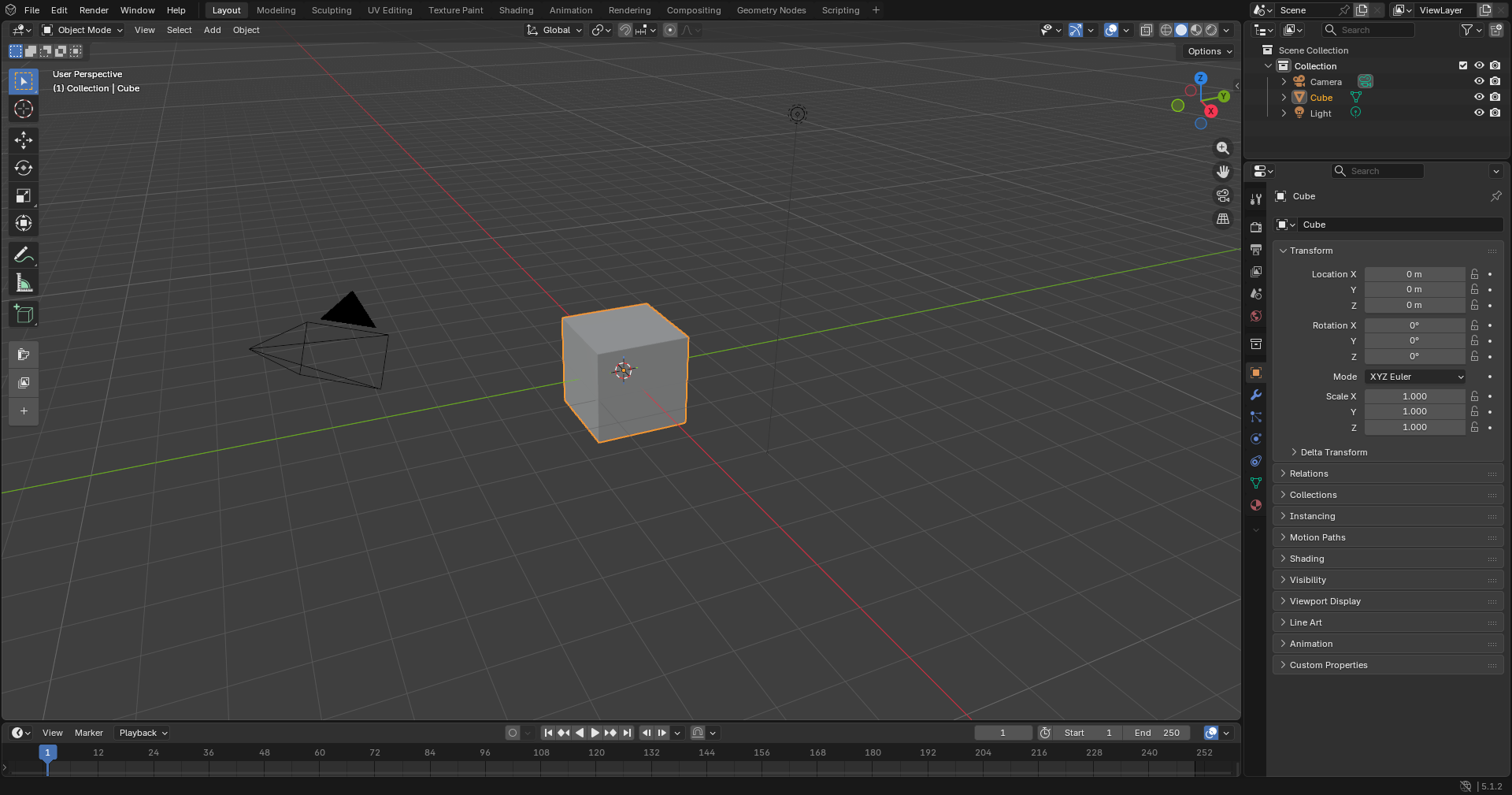
The main VIZid Suite interface.
VIZid Suite adds the following tools, each documented on its own page:
VIZid Mesh – Imports STEP/STP files through the bundled native converter and re-tessellates the imported geometry on the fly from the 3D Viewport sidebar.
VIZid Gloss – The render manager and the surrounding imaging tools: a simplified, product-design material editor for dressing parts, plus Color Grade, Compositing and Share & Export for finishing and handing off the result.
CMF Looks – A part-aware material system for building, capturing and applying Colour, Material and Finish looks.
Camera – A camera manager for selecting, framing and locking cameras.
VIZid Lumi Studio – An HDRI-based studio lighting designer with lighting presets.
Asset Library – A CMF and part-aware material library backed by a shareable, secure asset store.
VIZid Cosmos – Dresses a packshot scene – a backdrop, studio lighting and a framed camera – from a text description or a reference photo.
CAD Plug-ins – VIZid Bridge plug-ins for SOLIDWORKS and Creo that push parametric updates from the CAD seat into VIZid Suite.
How the Tools Fit Together
The tools form a single pipeline. VIZid Mesh imports a STEP file and tessellates it into clean, render-ready geometry. The VIZid Gloss material editor and the CMF Looks system then dress the parts, drawing materials and finishes from the Asset Library – a part-aware Look re-applies the right material to the right part on every re-mesh. With the model dressed, the Camera, VIZid Lumi Studio and VIZid Cosmos tools stage the shot – framing, studio lighting and a packshot scene. Finally the VIZid Gloss render manager, together with Color Grade, Compositing and Share & Export, produces and hands off the final imagery. Throughout, the CAD plug-ins feed live parametric updates from Creo or SOLIDWORKS straight back into VIZid Mesh, so the dressed, staged scene follows the CAD model as it changes.
Note
Everything in the rest of this Blender manual still applies underneath. The VIZid tools sit on top of Blender; the standard modeling, shading, rendering and interface documentation remains valid in VIZid Suite.