Snap to Symmetry
Reference
- Mode:
Edit Mode
- Menu:
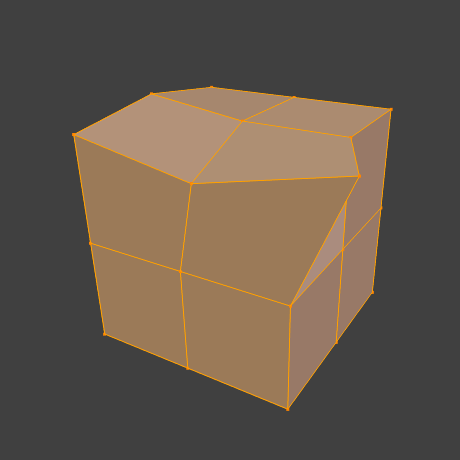
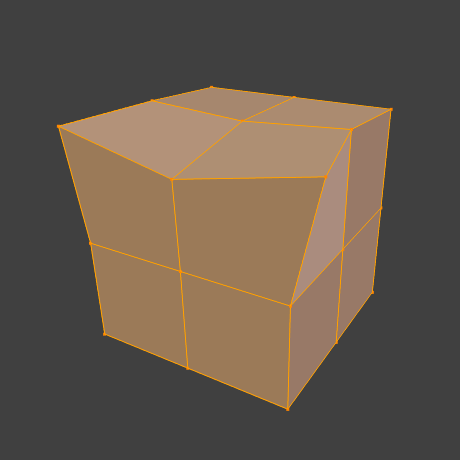
The Snap to Symmetry operator gives perfect symmetry to a mesh that was only approximately symmetrical before. Unlike Symmetrize, which deletes one half of the mesh and mirrors the other, Snap to Symmetry matches up pairs of vertices based on their position, then repositions them.
This is useful after, for example, moving a few vertices while accidentally having Mesh Symmetry disabled.
Options
- Direction
The axis and direction of the effect, in the object’s local space. For example, -X to +X goes over vertices to the left of the object origin (negative X coordinate) and matches them up with vertices on the right (positive X coordinate).
- Threshold
The search radius for finding matching vertices.
- Factor
When set to 1, both vertices in each matching pair receive the position of the vertex on the “from” side of the Direction. When set to 0, both receive the position of the vertex on the “to” side. Other values result in interpolation: with a value of 0.5, for example, both vertices are moved to their averaged position.
- Center
Move vertices that are near the symmetry plane so they’re exactly on that plane (by setting their coordinate for the Direction axis to zero).